
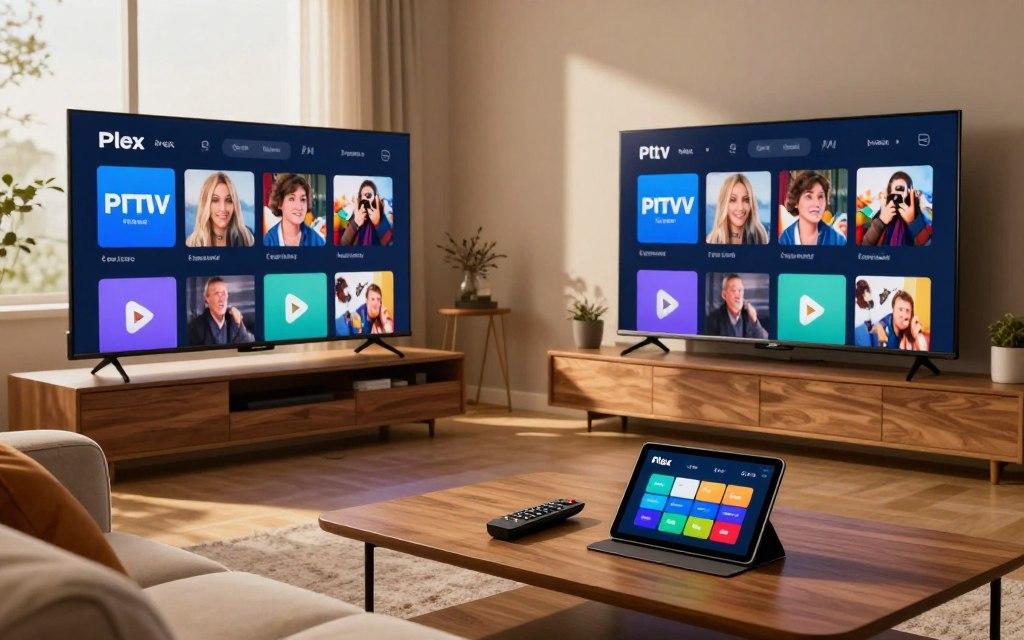
If you’ve been comparing Plex vs IPTV, you may be wondering whether they are competing ways to watch television—or whether you can actually use both.
The answer is that Plex and IPTV solve different problems.
IPTV describes the way television content is delivered over an IP network, while Plex is a media platform designed to organize and stream your own media, alongside Plex’s own free streaming services and live TV options.
That distinction is important because choosing between Plex and IPTV isn’t always an either-or decision. Depending on what you want to watch, Plex vs IPTV can actually become a question of how the two fit into your setup.
What Is Plex?
Plex is a media platform that can bring your personal movies, TV shows, music, photos and other media into one organized interface.
With Plex Media Server, your media can be stored on a computer, NAS or compatible device and then accessed through Plex apps on televisions, streaming devices, computers and mobile devices.
Plex also provides its own free, ad-supported movies, shows and live TV.
For people with large personal media collections, this is where Plex really stands out. Instead of browsing folders full of video files, Plex organizes your library with artwork, descriptions, categories and watch information.
Plex can also provide live television through two different routes: its own free ad-supported Live TV service, or over-the-air television through a compatible tuner and antenna. DVR recording for OTA broadcasts requires Plex Pass.
What Is IPTV?
IPTV stands for Internet Protocol Television. In simple terms, it means television content delivered using IP networks instead of traditional terrestrial, satellite or cable television distribution.
IPTV can include live television and on-demand programming, depending on the service and platform being used.
The important point is that IPTV isn’t an app like Plex.
Think of IPTV as the delivery method or television service, while an IPTV player is the software you use to access that service.
A dedicated IPTV application is generally designed around things such as:
- Live channel browsing
- Electronic program guides (EPGs)
- Channel categories
- Favorites
- Channel surfing
- Catch-up or recording features, where supported
- Multiple playlists or sources, depending on the application
If you’re new to IPTV, it’s worth understanding the setup before comparing players. Our IPTV setup guide explains the basic process and the equipment commonly involved.
Plex vs IPTV: What’s Actually Different?
The easiest way to understand Plex vs IPTV is to look at what each one is designed to do.
| Feature | Plex | IPTV |
|---|---|---|
| Personal movie collection | Excellent | Usually not the main purpose |
| Organizing your own media | Yes | Depends on the player |
| Live television | Yes, through Plex’s own service or compatible TV hardware | Core use case |
| Channel surfing | Available for Plex Live TV | Usually a major focus |
| EPG | Available for supported live TV setups | Common feature |
| Personal media server | Yes | Not normally |
| IPTV subscription | Not the same thing | Core service model |
| DVR | Supported for compatible TV setups | Depends on service/player |
| Multiple IPTV playlists | Not its primary design | Supported by some players |
| Dedicated IPTV interface | No | Yes |
So asking which one is “better” isn’t quite the right question.
If you have hundreds of movies stored on a NAS and want them beautifully organized, Plex makes a lot of sense.
If your priority is quickly opening an electronic program guide and switching between live channels, a dedicated IPTV player may make more sense.
Can You Use IPTV With Plex?
This is where things get more complicated.
Plex officially supports live TV through its own Live TV service and through compatible tuners and antennas for over-the-air broadcasts. It does not simply work as a universal IPTV player where you enter any IPTV subscription and immediately get a native IPTV interface.
However, some technically minded users have built setups that bring IPTV sources into Plex through third-party middleware.
This is where community projects such as Dispatcharr, Threadfin and other tools enter the picture.
The general idea is to put an additional layer between the IPTV source and Plex so that Plex can recognize and organize the streams.
That can work—but it is considerably more complicated than installing a dedicated IPTV application.
Why Do People Want IPTV Inside Plex?
There is a simple reason: one interface.
If someone already uses Plex for their movies and TV shows, adding live television to the same environment can be appealing.
Instead of switching between several applications, they can potentially have their personal media and live television accessible from one familiar interface.
This is particularly attractive for households where not everyone wants to learn different applications.
Community discussions show that this is one of the biggest reasons people continue experimenting with Plex and IPTV integrations.
Some users have reported successful setups using middleware to feed IPTV channels into Plex, while others have found the configuration, channel mapping and maintenance frustrating.
That difference in experience is important.
Why Do Some Users Prefer a Dedicated IPTV Player?
Because Plex wasn’t originally built around the same workflow as a dedicated IPTV application.
People who primarily watch live television often care about things such as:
- Fast channel switching
- Simple channel navigation
- A familiar TV-style EPG
- Favorites and channel groups
- Easy access to live channels
- Minimal configuration
That’s where dedicated IPTV players can have an advantage.
In the real-world community discussions we reviewed, several users described Plex’s IPTV implementation as cumbersome or frustrating, particularly when dealing with channel mapping, ordering, guide data and changes to channel groups.
Other users reported the opposite: once their setup was configured correctly, Plex worked well enough for their needs.
That tells you something important: Plex + IPTV can work, but the experience depends heavily on the setup.
For someone who simply wants to sit down and watch live TV, adding another server, middleware layer, EPG configuration and channel mapping may be unnecessary complexity.
What Real Users Say About Plex + IPTV
Real-world experiences are surprisingly mixed.
Some users like the idea of having everything inside Plex and are willing to spend time configuring the system. Others eventually move live television to a dedicated IPTV application because they find channel navigation easier.
The recurring complaints in community discussions include:
- Channel ordering problems
- Guide and channel mapping issues
- Extra configuration
- Occasional instability
- Having to refresh or remap channels
- Difficulty handling changing channel groups
- Plex not feeling as natural for IPTV as a dedicated player
There are also users who report perfectly usable Plex + IPTV setups.
One of the more interesting themes is that some people use both: Plex for their personal media collection and a dedicated IPTV application for live television.
That may actually be the most practical answer for many households.
Plex vs IPTV for Live TV
If live television is your primary concern, the comparison becomes easier.
Plex itself offers free ad-supported Live TV, and it also supports over-the-air live TV and DVR functionality with compatible tuner hardware and an antenna.
That is different from subscribing to an IPTV service.
For example, someone using an antenna to receive local broadcast channels can use Plex to organize and watch those channels, and Plex Pass can add DVR functionality.
Someone using an IPTV service is dealing with a different delivery model and will generally use an IPTV-compatible player.
So don’t assume that “Plex Live TV” and an IPTV subscription are interchangeable.
They aren’t.
Do You Need Both Plex and IPTV?
For some people, absolutely.
Use Plex if you:
- Have a large personal movie or TV collection
- Store media on a NAS or computer
- Want an attractive media library
- Want your family to access personal content easily
- Want your own media organized in one interface
- Want Plex’s own free streaming and supported live-TV features
Use a dedicated IPTV player if you:
- Primarily watch live television
- Want fast channel switching
- Use an IPTV subscription
- Care heavily about EPG navigation
- Want a traditional TV-style channel experience
- Don’t want to maintain a Plex server or IPTV middleware
Use both if you:
- Have a personal movie and TV collection and watch IPTV
- Want Plex for your on-demand library
- Prefer a dedicated IPTV application for live channels
- Have multiple people in the household with different viewing habits
This hybrid approach can actually be simpler than trying to force everything into one application.
Which Setup Is Simpler?
For personal media, Plex is difficult to beat.
For straightforward live IPTV, a dedicated IPTV application is generally the more natural approach.
Trying to combine IPTV with Plex can introduce additional moving parts. Community users have reported setups involving middleware, EPG configuration, channel mapping and server configuration.
That doesn’t mean those setups are bad. It simply means they are better suited to someone who enjoys configuring a home media system than someone who wants the simplest possible live-TV experience.
And whichever IPTV setup you choose, your internet connection still matters. If you’re experiencing buffering, our guide to IPTV buffering and internet speed covers the factors that can affect playback.
What About the Channels You Actually Want?
This is another area where you should separate the player from the service.
Plex doesn’t magically determine which IPTV channels you receive.
Your available IPTV channels depend on the IPTV service and its channel lineup.
Before choosing a service, check whether it actually carries the programming you care about. You can browse our IPTV channel list to see the available channel categories and programming.
That is much more useful than choosing a provider simply because it claims to have the largest number of channels.
Final Verdict: Plex vs IPTV
So, Plex vs IPTV—which one should you choose?
If you want to organize and stream your own media collection, Plex is an excellent choice.
If your main priority is live television through an IPTV service, a dedicated IPTV player will usually provide a more purpose-built experience.
And if you want both personal media and live television, you don’t necessarily have to choose.
Plex and IPTV can complement each other.
Use Plex for what it does best: managing your personal media and supported streaming features.
Use a dedicated IPTV solution for what IPTV players are designed to do: navigating and watching live television.
Trying to make one platform do absolutely everything isn’t always the best solution. Sometimes the better setup is simply using the right tool for each job.
If you’ve decided that IPTV is the right fit for your live-TV needs, you can compare the available IPTV pricing plans before getting started.