
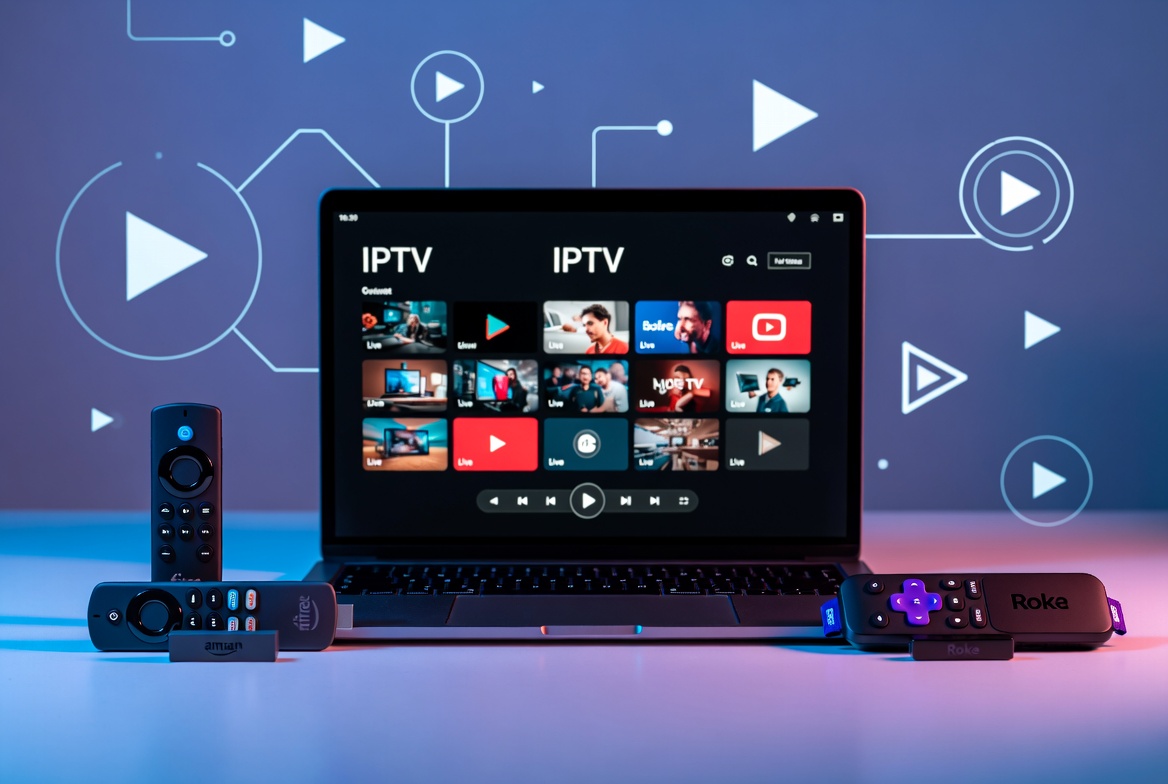
If you’ve been streaming through a Fire TV Stick or Roku and wondering whether you can WATCH IPTV on PC is worth switching to, the short answer is yes — it works, and for some setups it’s genuinely more flexible. But it’s not automatically the better option for everyone, so it’s worth understanding both sides before you decide where to watch.
Why People Consider Switching to a PC
The appeal comes down to control. A PC isn’t locked into one platform’s app store, so you’re not waiting on approvals or dealing with an app that’s missing from one device but not another — a common frustration is an app being available on one streaming platform and not another, with no real explanation why. Running IPTV through a PC sidesteps that entirely, since you’re just opening an app or a browser tab rather than depending on what a manufacturer has decided to allow.
It also means everything lives in one place. If you already run a media server like Plex for your own movies and shows, having your IPTV app on the same machine keeps your entire viewing setup in a single spot instead of split across multiple devices.
How to Set Up IPTV on a PC
What You Need Before Setting Up IPTV on PC
Getting IPTV on PC running doesn’t require special hardware — just a reasonably modern Windows or Mac computer, a stable internet connection, and your provider’s M3U or Xtream Codes login details. From there, there are a few straightforward ways to get channels playing:
1. VLC Media Player VLC runs natively on Windows and Mac and can play an M3U playlist directly. Our VLC IPTV setup guide walks through loading your playlist and getting channels running.
2. IPTV Smarters or similar desktop apps Several IPTV player apps have Windows and Mac versions, giving you a proper channel guide and interface rather than a bare playlist in a media player.
3. Browser-based playback Some providers offer a web player, so you can log in and stream directly through Chrome, Edge, or Firefox without installing anything extra.
Whichever method you use, you’ll need your M3U link or Xtream Codes login from your provider find the M3U Vs Xtream code guide — the same details you’d use setting up any other device.
PC vs. Fire TV vs. Roku: The Real Trade-offs
Where a PC wins:
- No app store restrictions — if an app or player exists, you can generally install it
- Easier to run a personal media server (like Plex) alongside your IPTV setup
- Typically faster menus and app switching than a budget streaming stick
Where a PC falls short:
- You need an actual computer connected to your TV, which is a bigger, less convenient setup than a $40 streaming stick
- No dedicated remote experience — you’re using a keyboard/mouse or a media remote, which is less comfortable on the couch than the Fire TV or Roku remote
- Less beginner-friendly to set up than plugging in a stick and following on-screen prompts
For most casual viewers, a Fire TV Stick or Roku is still the simpler, more practical choice — our guides on Fire TV remote shortcuts and watching IPTV on Roku cover getting the most out of either device. A PC setup makes more sense if you’re already running a home theater PC, want a Plex server in the mix, or you’re comfortable with slightly more technical setup in exchange for more flexibility.
Before You Choose a Device
Whichever device you land on, it’s worth checking your channel list and comparing pricing first, and reviewing what to look for in a reliable IPTV provider so your setup — PC, Fire TV, or Roku — actually has good content behind it. Once you’ve picked a plan, our setup guide covers getting connected.
FAQ
Can you watch IPTV on PC? Yes. You can use VLC, a dedicated IPTV player app, or a browser-based player, depending on what your provider supports.
Is IPTV on PC better than Fire TV or Roku? Not universally — it offers more flexibility and no app-store restrictions, but it’s a bigger, less couch-friendly setup than a streaming stick. It suits people who want more control or already run a media server, not necessarily casual viewers.
Do I need special software to watch IPTV on a PC? A media player that supports M3U playlists (like VLC) or a desktop IPTV app is the simplest route. No specialized hardware is required beyond a decent internet connection.
Can I use the same subscription on my PC and Fire TV? Usually yes, up to your plan’s simultaneous stream limit — check your provider’s terms for how many devices can stream at once.
Is a PC setup harder to configure than a Fire TV Stick? A little — there’s no guided on-screen setup like Fire TV has, so you’re manually entering playlist details in whichever app or player you choose.