
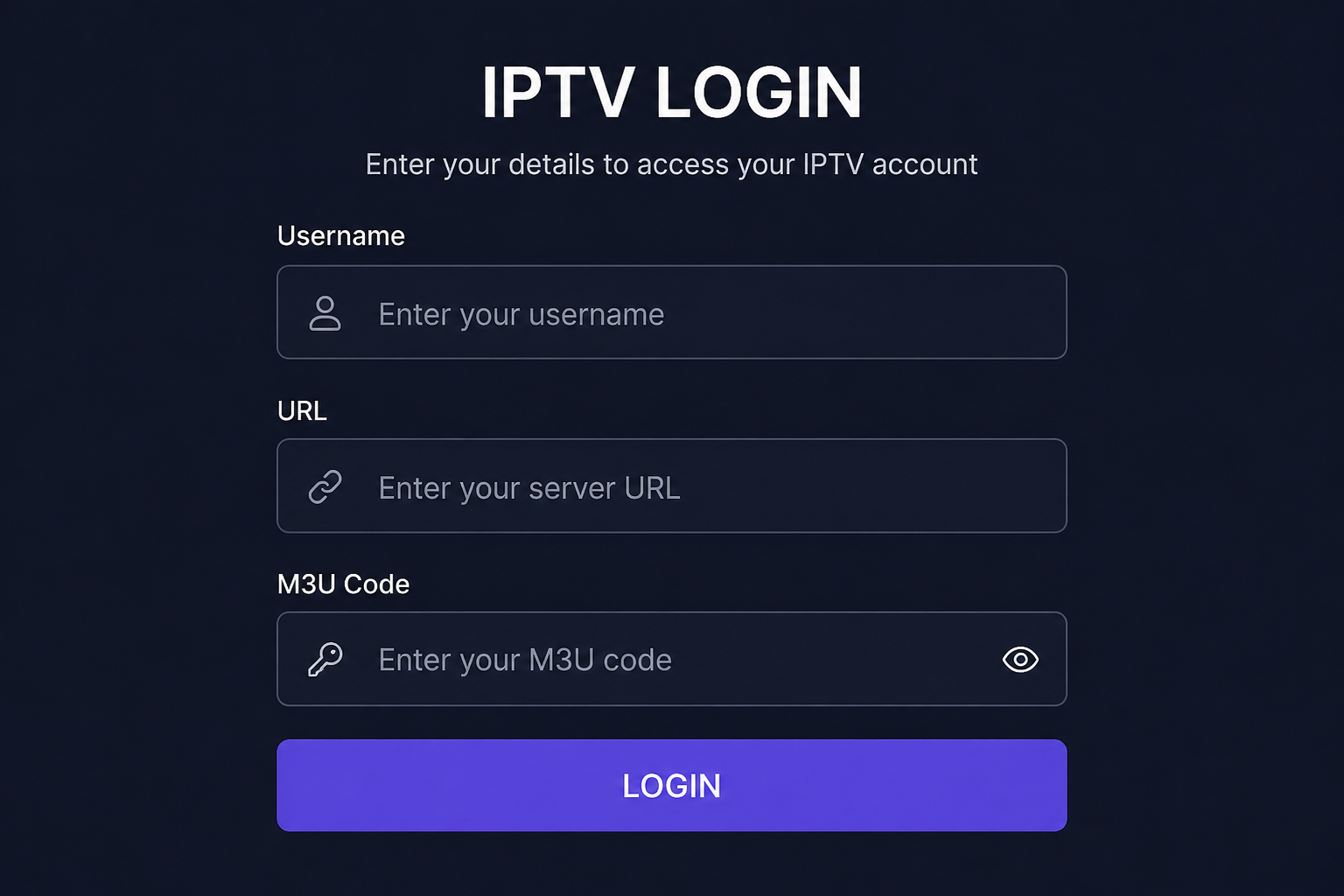
If you’re wondering, “Why Does My IPTV Keep Asking Me to Log In Again?”, you’re not alone. In most cases, repeated login requests are caused by an expired subscription, incorrect login details, app settings, or temporary server changes. The good news is that this problem is usually easy to fix once you identify the real cause.
If you’re new to IPTV, it’s worth reading our guide on 12 IPTV Questions Beginners Are Afraid to Ask to understand how IPTV accounts and login details work.
Why Does My IPTV Keep Asking Me to Log In Again? The 7 Most Common Causes
1. Your IPTV Subscription Has Expired
One of the most common reasons your IPTV keeps asking you to log in again is that your subscription has expired.
Many IPTV apps continue displaying the login screen when they can no longer authenticate your account. Before changing any settings, confirm that your subscription is still active.
If you’re unsure about your subscription or refund options, read Can I Get a Refund If My IPTV Subscription Doesn’t Work?
2. Your Login Details Are Incorrect
Even one incorrect character can prevent your IPTV app from logging in successfully.
Double-check your:
- Username
- Password
- Server URL
Whenever possible, copy and paste the credentials instead of typing them manually to avoid mistakes.
If you’re setting up IPTV for the first time, follow our IPTV Setup Guide for step-by-step instructions.
3. Your IPTV App Has Lost Its Saved Login Information
Sometimes the problem isn’t your account at all.
Your IPTV app may forget your login details after:
- Clearing app storage
- Reinstalling the app
- Updating the application
- Resetting your device
Simply entering your credentials again usually solves the issue.
4. Your Provider Has Updated Their Server
Occasionally, IPTV providers move customers to a different server or update login credentials as part of system maintenance or infrastructure improvements.
When this happens, older login details may no longer work.
Reliable providers normally communicate these changes through email, Telegram, or customer support.
5. Your Device Isn’t Saving Login Credentials
Another reason Why Does My IPTV Keep Asking Me to Log In Again is that your device isn’t storing your login information correctly.
This can happen because of:
- Low storage space
- Device cleaning apps
- Corrupted app data
- Missing app permissions
Restarting the app or reinstalling it often fixes the problem.
If you’re unsure which IPTV application works best with your device, visit our Supported IPTV Apps.
6. Too Many Failed Login Attempts
Repeatedly entering incorrect credentials may temporarily prevent your account from logging in.
If this happens:
- Verify your username.
- Verify your password.
- Wait a few minutes.
- Try again carefully.
Avoid repeatedly guessing passwords, as this can make troubleshooting more difficult.
7. Temporary Server Maintenance
Sometimes the login problem has nothing to do with your device.
Your provider may be:
- Performing server maintenance.
- Moving customers to new infrastructure.
- Updating authentication systems.
- Improving sports feeds or channel lists.
A well-maintained IPTV service regularly updates its content and communicates major changes to customers.
To learn what regular maintenance should look like, read How Often Should IPTV Channels and Sports Feeds Be Updated?
Quick Checklist If Your IPTV Keeps Asking You to Log In Again
Before contacting support, try these simple checks:
✅ Confirm your subscription is active.
✅ Verify your username and password.
✅ Check the server URL.
✅ Restart your IPTV app.
✅ Restart your streaming device.
✅ Clear the app cache (avoid clearing storage unless necessary).
✅ Contact your IPTV provider if the issue continues.
When Should You Contact Your IPTV Provider?
If you’ve completed the steps above and your IPTV still asks you to log in repeatedly, it’s time to contact your provider.
A reliable provider should be able to:
- Confirm whether your subscription is active.
- Verify your login credentials.
- Tell you if maintenance is taking place.
- Help you regain access quickly.
If you’re still comparing services, our guide How to Choose the Best IPTV Provider explains the features every reliable IPTV provider should offer before you subscribe.
Final Thoughts on Why Does My IPTV Keep Asking Me to Log In Again
If you’ve been asking yourself, “Why Does My IPTV Keep Asking Me to Log In Again?”, remember that the problem is usually much simpler than it appears. In most cases, it’s caused by expired subscriptions, incorrect login details, app settings, or temporary server maintenance rather than a fault with your device.
Taking a few minutes to check each possible cause can often get you back to streaming without reinstalling your app or buying a new subscription.
If you’re also wondering whether IPTV is right for you, our article Is IPTV Legal, Safe and Worth It? answers many of the most common questions users have before subscribing.
Finally, once your app is working again, you can compare our IPTV Plans (link to your pricing page) to find the subscription that best matches your viewing needs.