
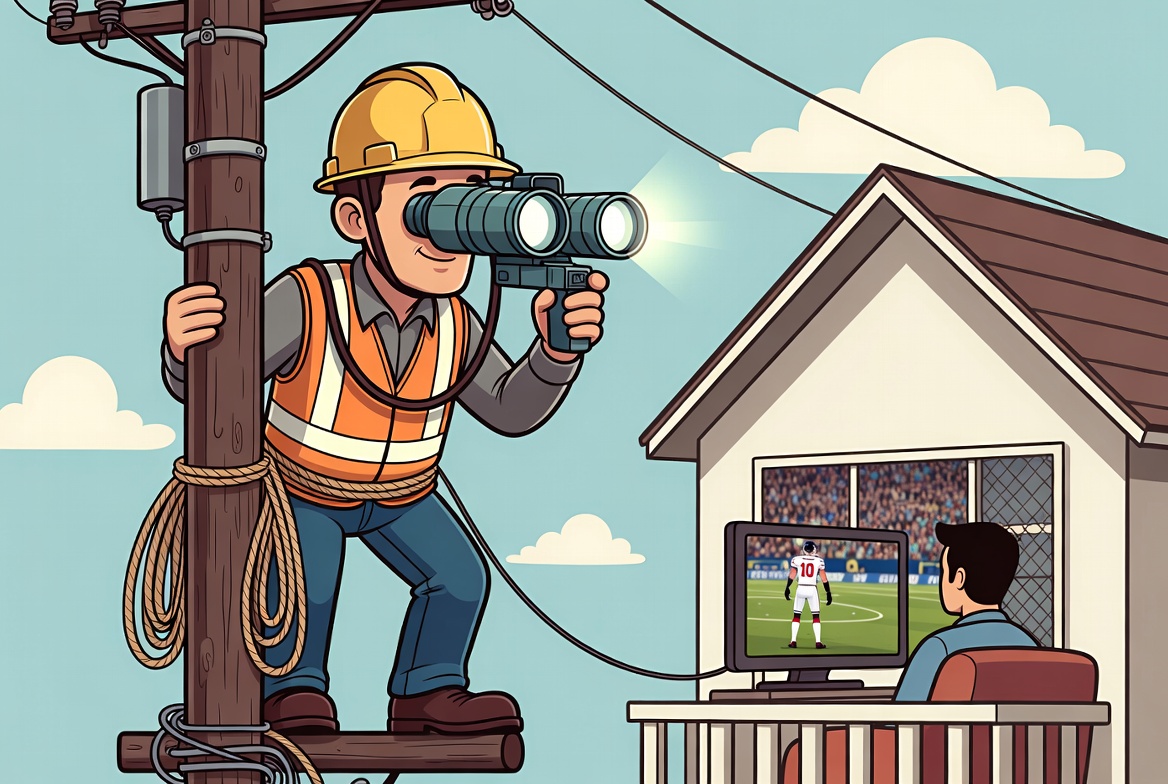
If you’ve ever wondered what your internet provider can see when you stream IPTV, you’re not alone. Many people assume IPTV only refers to third-party subscription services, but that’s not true. IPTV (Internet Protocol Television) is simply a technology used to deliver television and video content over the internet. In fact, many mainstream streaming platforms—including Netflix, Hulu, DAZN, and numerous broadcaster streaming services—use internet-based delivery methods that fall within the broader concept of IPTV. The difference isn’t the technology—it’s whether the provider has the legal rights to distribute the content.
This guide will give you first hand experience on the 7 things your internet provider can see and what probably will be difficult for the provider to see
1. Your ISP Isn’t Watching Every IPTV User
One of the biggest misconceptions is that internet providers have employees actively looking for customers streaming IPTV.
In reality, internet service providers manage millions of internet connections every day. Their primary responsibility is to deliver a stable internet connection, maintain network performance, and comply with applicable laws and court orders where required.
Rather than manually monitoring individual customers, ISPs generally rely on automated network management systems. If a court orders access to a specific website or server to be blocked in a particular jurisdiction, the ISP may implement that block as required.
That doesn’t mean someone is sitting behind a screen watching what you’re streaming.
2. What Your Internet Provider Can Actually See
Your ISP sits between your home and the wider internet, so it naturally sees some information about your connection.
Depending on how a service is configured, your ISP may be able to see:
- Your public IP address
- When your device connects to the internet
- The amount of data you’re using
- Connection times and session duration
- The server or IP address your device is communicating with (subject to the protocol and encryption being used)
However, if the connection is properly encrypted, your ISP generally cannot simply see the exact football match, TV channel, or movie you’re watching just by looking at your internet traffic.
Think of it like seeing an envelope in the mail—you can often see where it’s going, but not necessarily what’s inside.
3. Why Do Some IPTV Websites Suddenly Stop Working?
Like every website on the internet, IPTV providers use domain names and IP addresses that direct users to their servers.
Sometimes copyright holders obtain court orders requiring internet providers in certain countries to block access to specific domains or IP addresses associated with services that have been found to infringe copyright.
When that happens, users may suddenly find that a website no longer loads, even though nothing has changed on their own devices.
Some providers later move to different infrastructure or update their domains, which is why login details or website addresses may occasionally change.
4. What Happens If an IPTV Website Is Blocked?
A blocked website doesn’t always mean the IPTV service itself has disappeared.
Sometimes only the website becomes inaccessible from a particular internet provider or country, while the service may remain available elsewhere.
If you suddenly can’t reach your provider’s website:
- Check whether the site loads on another internet connection.
- Contact your provider using their official support channels.
- Check whether they’ve announced a domain change or maintenance.
Avoid downloading software or login details from unofficial websites claiming to be the “new” version of your provider.
5. What Happens If You’re Caught Using an Unauthorized IPTV Service?
This is probably the question most people search for.
The answer depends on where you live.
Laws and enforcement vary significantly between countries, and legal consequences depend on local regulations and the specific circumstances. In many jurisdictions, enforcement efforts have historically focused on the operators and distributors of unauthorized IPTV services rather than individual viewers, but that is not a universal rule.
If you’re unsure whether a service is trustworthy, read our guide Is IPTV Legal, Safe and Worth It in 2026? before subscribing.
6. How Can You Tell If Your ISP Has Blocked or Throttled Something?
People often assume every streaming problem is caused by their internet provider.
That’s rarely the case.
Common signs that may indicate blocking, throttling, or another network issue include:
- A website loads on mobile data but not your home broadband.
- Other websites work normally, but one specific service doesn’t.
- Streaming becomes unusually slow despite a fast internet connection.
- The provider’s website won’t load while the IPTV app still attempts to connect.
However, similar symptoms can also be caused by:
- Server maintenance
- Internet congestion
- Wi-Fi problems
- Incorrect IPTV login details
- Expired subscriptions
Before assuming the problem is your ISP, verify your login credentials using our guide IPTV Login Explained: Xtream Codes vs M3U, and follow our Setup Guide to rule out common configuration issues.
7. Should You Use a VPN?
A VPN changes how your internet traffic travels across the internet by encrypting the connection between your device and the VPN server.
This means your ISP can generally see that you’re connected to a VPN, but it typically cannot inspect the encrypted traffic inside that connection in the same way. However, a VPN is not a guarantee of anonymity, and it doesn’t make someone exempt from the laws or terms of service that apply in their country.
If you’re considering one, our article Should You Use a VPN for IPTV? explains the advantages, limitations, and when it may be appropriate.
Final Thoughts
IPTV itself is simply a way of delivering television over the internet. Like any internet technology, it relies on servers, domains, and IP addresses to deliver content to your device.
Your internet provider can observe certain technical details about your connection, but that doesn’t mean they automatically know every programme or sporting event you’re watching—especially when traffic is properly encrypted.
The best approach is to choose a reliable provider, understand how IPTV works, and make informed decisions about your privacy and security.
If you’re still comparing services, explore our Pricing Guide, browse our Channel List, and follow our Setup Guide to get started. Understanding the technology behind IPTV will help you troubleshoot problems more effectively and enjoy a smoother streaming experience.
External References
- Internet Society – How the Internet Works (general networking concepts)
- Electronic Frontier Foundation (EFF) – Surveillance Self-Defense (privacy and encryption)
- IETF – The TLS Protocol (background on encrypted internet traffic)