
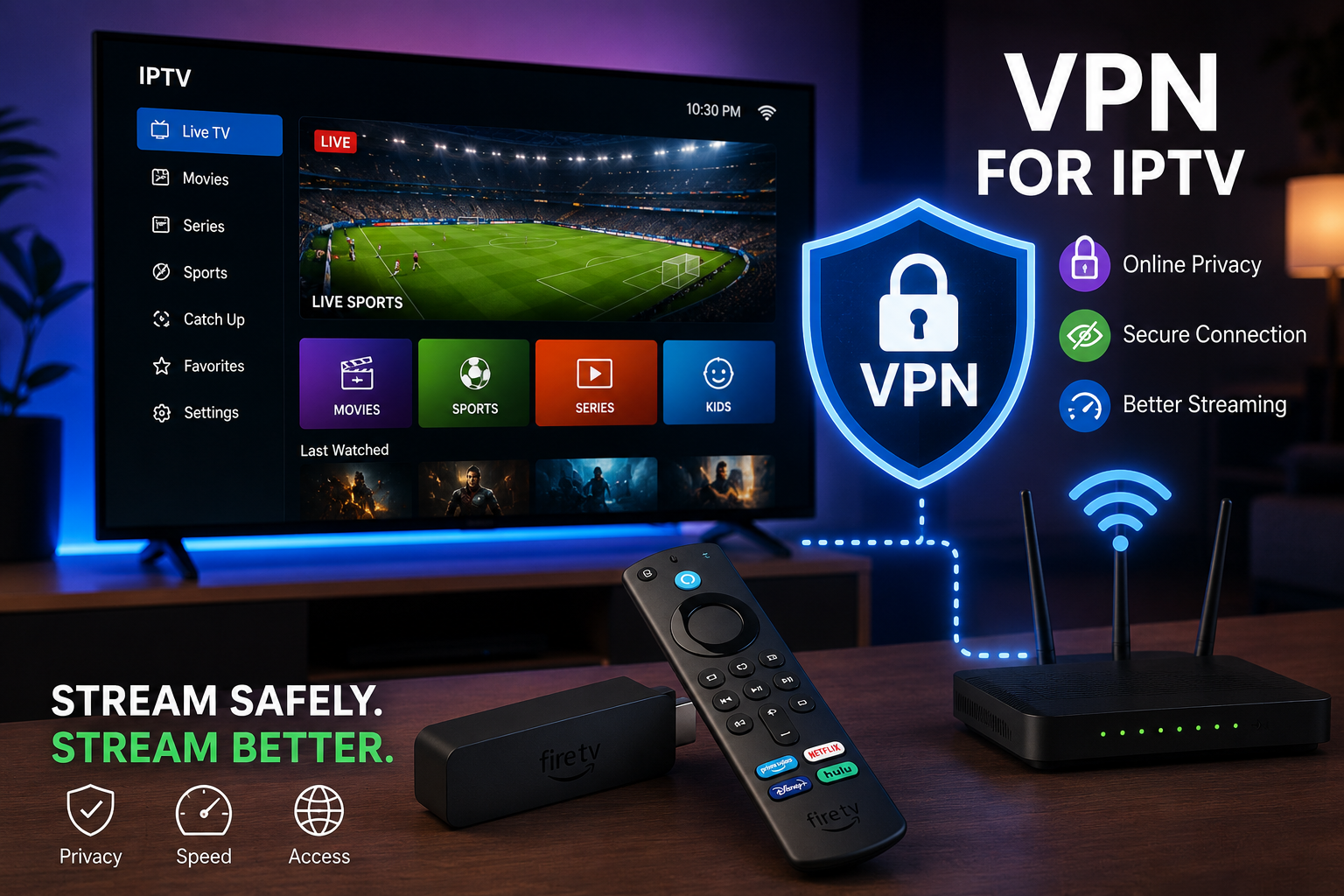
As IPTV streaming continues growing in popularity, many users are now asking whether they should use a VPN while watching live TV, sports, movies, and international channels online.
A VPN, or Virtual Private Network, is commonly used to improve online privacy and help secure internet connections. In the IPTV world, VPNs are often discussed alongside buffering issues, ISP throttling, and streaming stability.
But is a VPN actually necessary for IPTV streaming in 2026?
The answer depends on several factors including your internet provider, streaming device, location, and the quality of your IPTV setup.
If you are new to IPTV services and device setup, you can first explore our complete IPTV setup guide here:
https://rushstreams.com/setup/
What Is a VPN?
A VPN creates a secure encrypted connection between your device and the internet. Instead of your traffic going directly through your internet provider, it passes through a protected VPN server first.
VPNs are commonly used for:
- online privacy
- public Wi-Fi protection
- secure browsing
- reducing ISP tracking
- improving connection routing in some cases
Popular VPN providers include:
- NordVPN
- ExpressVPN
- Surfshark
- Proton VPN
You can learn more about how VPN technology works from:
Cloudflare VPN Guide
Why Some IPTV Users Use VPNs
One of the main reasons IPTV users choose VPNs is to avoid internet slowdowns during live streaming events.
During major football matches, UFC fights, or high-traffic sports broadcasts, some users notice:
- buffering
- freezing
- sudden quality drops
- connection instability
In certain situations, internet providers may manage or throttle streaming traffic during peak hours. A VPN can sometimes help create a more stable route between the user and streaming servers.
This is especially common for users streaming:
- live sports
- HD channels
- 4K content
You can also read our guide on improving IPTV streaming quality:
https://rushstreams.com/best-iptv-for-sports-streaming-2026/
Can a VPN Improve IPTV Streaming?
Sometimes yes — but not always.
A VPN is not a magic solution for every IPTV issue. The effectiveness depends on:
- VPN server quality
- your internet speed
- device performance
- Wi-Fi strength
- IPTV app optimization
In some cases, a VPN may:
- improve routing
- reduce ISP-related slowdowns
- stabilize live streams
In other situations, a poor VPN server can actually slow connections down.
For best performance:
- choose nearby VPN servers
- avoid overloaded free VPNs
- use high-speed protocols like WireGuard
To test your internet speed before and after enabling a VPN, you can use:
Speedtest by Ookla
Does IPTV Work Without a VPN?
Yes.
Many IPTV users stream normally without VPNs every day. A VPN is optional and depends on user preference and network conditions.
Good IPTV performance still mainly depends on:
- stable internet
- optimized device setup
- updated IPTV apps
- strong Wi-Fi or Ethernet connection
If your setup is already stable, a VPN may not create a noticeable difference.
For smoother streaming experiences, choosing reliable IPTV apps is also important. You can explore our guide here:
https://rushstreams.com/best-iptv-apps-smart-tvs/
VPN vs Internet Speed
A VPN cannot fully compensate for slow internet speeds.
For smooth IPTV streaming, most users should ideally have:
| Streaming Quality | Recommended Speed |
|---|---|
| SD Streaming | 10 Mbps |
| HD Streaming | 20–30 Mbps |
| 4K Streaming | 50+ Mbps |
Ethernet connections are usually more stable than Wi-Fi for live IPTV streaming.
You can also learn more about broadband speed recommendations from:
Netflix Internet Speed Recommendations
Best Devices for IPTV and VPN Usage
Modern streaming devices support VPN apps quite well. Some of the most popular IPTV-compatible devices include:
- Amazon Firestick
- Android TV boxes
- NVIDIA Shield
- Chromecast with Google TV
- Smart TVs
Among these, Firestick remains one of the most widely used options due to its affordability and app compatibility.
You can also explore our VLC player IPTV setup guide here:
https://rushstreams.com/vlc-player/
Amazon also provides official guidance for device optimization:
Amazon Fire TV Support
How to Set Up a VPN for IPTV
Most VPN services now provide simple setup apps for:
- Firestick
- Android TV
- smartphones
- tablets
- Windows PCs
Basic setup usually involves:
- Installing the VPN app
- Signing into your account
- Selecting a nearby server
- Launching your IPTV app
Many IPTV users prefer servers geographically closer to their location for lower latency and better streaming performance.
Final Thoughts
Using a VPN for IPTV streaming in 2026 can provide additional privacy and may improve streaming stability in some situations, especially during live sports events or peak traffic hours.
However, a VPN should be viewed as part of an overall optimized setup rather than a complete solution by itself.
For the best IPTV experience, users should focus on:
- stable internet speeds
- reliable streaming devices
- updated IPTV apps
- optimized Wi-Fi or Ethernet connections
You can also explore our IPTV pricing and supported device options here:
https://rushstreams.com/pricing/
FAQ
Does a VPN stop IPTV buffering?
Sometimes, but buffering can also be caused by weak internet, overloaded devices, or poor Wi-Fi connections.
Is a free VPN good for IPTV?
Free VPNs often have slower servers and bandwidth limitations that may affect streaming quality.
Which VPN protocol is best for IPTV?
Many users prefer WireGuard or Lightway for better speed and lower latency.
Can I use a VPN on Firestick?
Yes. Most major VPN providers offer Firestick-compatible apps.