
Introduction
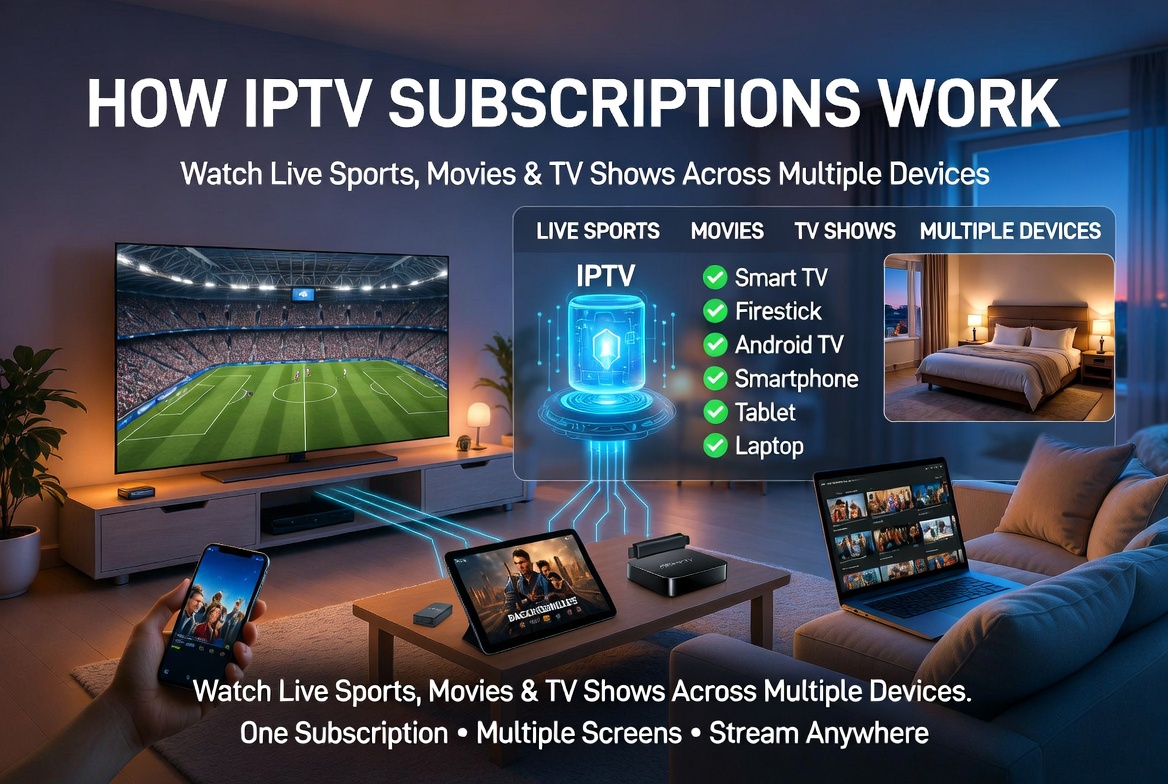
Imagine a typical weekend in many households today. One person is watching a live Premier League match in the living room, another is streaming a movie on a tablet, and someone else is catching up on their favorite TV series from a laptop.
Many people assume this requires multiple subscriptions or separate television services. In reality, modern IPTV subscriptions are designed to provide flexibility, allowing users to access live sports, movies, TV shows, and entertainment across a wide range of devices.
Understanding how IPTV subscriptions work can help you get more value from your service, whether you’re watching from home, traveling, or switching between devices throughout the day.
What Is an IPTV Subscription?
IPTV stands for Internet Protocol Television. Instead of delivering television through traditional cable or satellite infrastructure, IPTV delivers content through an internet connection.
Most IPTV subscriptions provide access to:
- Live TV channels
- Sports coverage
- Movies
- TV shows
- International channels
- On-demand content
Unlike traditional television services that often require dedicated hardware, IPTV can work on Smart TVs, Firesticks, Android TV devices, smartphones, tablets, and computers.
If you’re comparing providers, our guide to choosing the best IPTV provider explains the features that matter most when selecting a service.
What Happens After You Purchase an IPTV Subscription?
After purchasing an IPTV subscription, most providers send login credentials.
These typically include:
Xtream Codes Login
- Username
- Password
- Server URL
or
M3U Playlist URL
A single URL containing your account information.
These credentials allow compatible IPTV applications to connect to your subscription and load available channels, movies, and TV shows.
Before entering your credentials, you’ll need a compatible IPTV player installed on your device.User can get more info on M3U and xtream codes here
How IPTV Works Across Multiple Devices
One of the biggest advantages of IPTV is device flexibility.
The same IPTV account can often be installed on:
- Smart TVs
- Amazon Firestick devices
- Android TV boxes
- Smartphones
- Tablets
- Windows PCs
- MacBooks
- Laptops
This means users can move between devices without needing separate subscriptions for every screen.
For example:
- Watch live football on a Smart TV.
- Continue watching on a tablet in another room.
- Access TV shows from a laptop while traveling.
- Stream news from a mobile phone while commuting.
Understanding IPTV Connection Plans
A common misunderstanding is the difference between installing IPTV on multiple devices and streaming on multiple devices simultaneously.
Most IPTV providers allow installation on several devices, but the number of simultaneous streams depends on the plan selected.
| Plan Type | Devices Installed | Simultaneous Streams |
|---|---|---|
| Single Connection | Multiple Devices | 1 Active Stream |
| Dual Connection | Multiple Devices | 2 Active Streams |
| Multi-Connection Plan | Multiple Devices | Multiple Active Streams |
For example, a single-connection subscription may be installed on your TV, phone, tablet, and laptop, but only one device can actively stream content at a given time.
Users who want simultaneous viewing often choose plans with additional connections on our pricing guide.
Can You Watch Different Content at the Same Time?
Yes, if your subscription supports multiple active connections.
For example:
- Live sports on the living room TV
- A movie playing on a tablet
- A TV show streaming on a laptop
This flexibility is one reason IPTV has become increasingly popular among viewers who consume different types of content throughout the day.
The exact number of simultaneous streams depends on your subscription package.
IPTV vs Netflix vs Hulu: What’s the Difference?
Many people compare IPTV with streaming platforms such as Netflix and Hulu, but the services are designed differently.
| Feature | IPTV | Netflix | Hulu |
|---|---|---|---|
| Live TV Channels | Yes | No | Limited Plans |
| Live Sports | Yes | No | Limited |
| Movies | Yes | Yes | Yes |
| TV Shows | Yes | Yes | Yes |
| International Channels | Yes | Limited | Limited |
| Device Compatibility | High | High | High |
| Multiple Device Support | Yes | Yes | Yes |
Netflix and Hulu focus primarily on on-demand entertainment, while IPTV services typically combine live television, sports, movies, and TV series within a single subscription.
For a deeper comparison, read our IPTV vs Netflix, Hulu and Apple TV guide.
Can You Use IPTV While Traveling?
One advantage of IPTV is portability.
Because IPTV uses internet connectivity rather than physical cable infrastructure, many users access their subscriptions while:
- Traveling for work
- Staying in hotels
- Visiting family
- Taking vacations
As long as a compatible device and reliable internet connection are available, IPTV can often be accessed from different locations.
Some users choose to use a VPN for additional privacy while streaming online you can find this information in our iptv and vpn guide.
Popular Devices Used for IPTV
Today’s IPTV users have more device options than ever.
Popular choices include:
Smart TVs
Modern Smart TVs support many IPTV applications directly.
Amazon Firestick
One of the most popular streaming devices because of its affordability and app compatibility.
Android TV Boxes
Known for flexibility and performance.
Smartphones and Tablets
Ideal for watching content on the move.
Windows and Mac Computers
Useful for viewing content while working or traveling.
If you’re looking for compatible applications, visit our Downloads page.
What Can You Watch With IPTV?
The content available depends on your subscription package, but IPTV services commonly include:
- Live sports
- News channels
- Entertainment channels
- Movies
- TV shows
- International content
- Children’s programming
You can browse available categories and channels through our Channel List page.
Getting Started With IPTV
If you’re new to IPTV, the setup process is usually straightforward:
- Choose a subscription plan.
- Download a compatible IPTV app.
- Enter your login credentials.
- Allow the application to load channels and content.
- Start streaming.
Our Setup Guide provides step-by-step instructions for popular devices and IPTV applications.
Frequently Asked Questions
How many devices can I install IPTV on?
Most IPTV subscriptions can be installed on multiple devices, including Smart TVs, Firesticks, phones, tablets, and laptops.
Can I watch live sports on one device and movies on another?
Yes, if your subscription includes multiple active connections.
Does IPTV work on Smart TVs?
Yes. Many IPTV applications are compatible with modern Smart TVs.
Can I use IPTV while traveling?
Yes. IPTV can generally be accessed from different locations as long as you have a stable internet connection and a compatible device.
Do I need separate subscriptions for every device?
Usually not. Most providers allow installation on multiple devices, though simultaneous streaming depends on the subscription plan.
Which device is best for IPTV?
Firesticks, Android TV devices, and Smart TVs remain among the most popular options due to their compatibility and ease of use.
Final Thoughts
Understanding how IPTV subscriptions work helps explain why so many viewers choose IPTV for live sports, movies, TV shows, and entertainment.
Whether you’re watching football on a Smart TV, streaming a movie on a tablet, or catching up on your favorite series while traveling, IPTV offers flexibility across a wide range of devices.
The key is understanding how connection plans work, how simultaneous streaming is handled, and which devices best suit your viewing habits. Once configured properly, IPTV makes it easy to enjoy content wherever and whenever you want.