
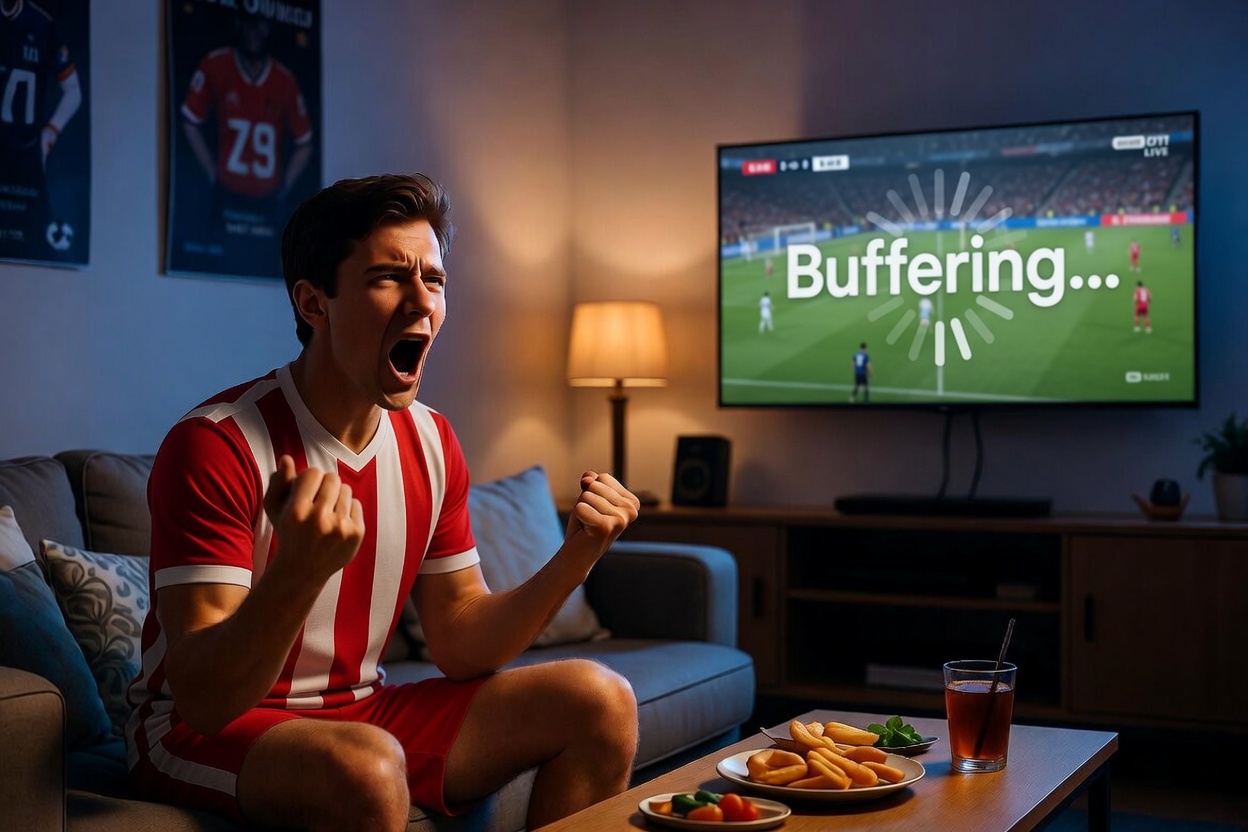
Nothing frustrates sports fans more than buffering during an important live match. Whether you are watching football, UFC, Formula 1, NBA, or Champions League games, IPTV buffering during live sports events can interrupt the viewing experience and cause delays at critical moments.
Many users assume buffering is caused only by slow internet, but several factors can affect IPTV streaming quality during live sports broadcasts.
This guide explains:
- why IPTV buffers during live sports
- common streaming problems
- how to improve IPTV performance
- device optimization tips
- internet recommendations for smoother streaming
Users looking for stable sports streaming solutions can also explore our complete guide to the best IPTV provider here:
Why IPTV Buffering Happens More During Live Sports
Live sports events create extremely high streaming demand worldwide. Millions of viewers may access the same channels simultaneously during:
- football finals
- UFC events
- Champions League matches
- NBA playoffs
- Formula 1 races
This increased traffic can overload IPTV servers and internet networks, causing:
- buffering
- delayed streams
- freezing
- channel crashes
Sports streaming is generally more demanding than regular movie or TV streaming because live broadcasts require real-time delivery with minimal delay.
Common Causes of IPTV Buffering
Several technical issues may contribute to IPTV buffering problems.
Slow Internet Speeds
Internet speed is one of the most important factors affecting IPTV streaming quality.
For smooth performance:
- HD streaming usually requires at least 20 Mbps
- 4K streaming may require 50 Mbps or more
Users with slower internet connections are more likely to experience interruptions during live sports broadcasts.
Weak Wi-Fi Connections
Many buffering issues are caused by unstable Wi-Fi signals rather than IPTV services themselves.
Common problems include:
- router distance
- network congestion
- weak signal strength
- overloaded home networks
Whenever possible, connecting devices through Ethernet cables improves streaming stability significantly.
Overloaded IPTV Servers
During major sports events, some IPTV servers experience extremely high traffic volumes.
A reliable IPTV provider should maintain:
- stable server infrastructure
- load balancing
- high uptime
- fast channel delivery
For sports channel availability and streaming options, visit our channel list here:
Best Devices for IPTV Sports Streaming
Device performance also affects IPTV streaming quality.
Many users prefer:
- Amazon Firestick
- Android TV
- Smart TVs
- streaming boxes
- tablets
- smartphones
Older devices with limited memory or outdated software may struggle during live HD sports streaming.
If you need help configuring IPTV apps on your device, follow our setup guide here:
How to Reduce IPTV Buffering During Live Sports
There are several ways to improve IPTV streaming performance before major sporting events.
Restart Your Device Before Kickoff
Restarting your Firestick, Smart TV, or streaming device helps clear temporary memory and background processes.
This often improves:
- app responsiveness
- stream stability
- loading speed
Use Ethernet Instead of Wi-Fi
Ethernet connections generally provide:
- lower latency
- faster speeds
- more stable streaming
- fewer interruptions
This is especially important during high-demand live sports broadcasts.
Close Background Apps
Running multiple apps simultaneously can reduce device performance and affect IPTV streaming quality.
Before streaming:
- close unused apps
- restart streaming software
- free up device storage
Test Your Internet Speed
Users should test internet speeds before major sporting events.
Reliable speed testing tools can help identify:
- weak connections
- unstable upload speeds
- network congestion
You can test your connection using:
Speedtest by Ookla
Why Firestick Is Popular for IPTV Streaming
Amazon Firestick remains one of the most widely used IPTV streaming devices because it is:
- affordable
- portable
- easy to configure
- compatible with IPTV apps
Popular IPTV apps include:
- IPTV Smarters
- TiviMate
- XCIPTV
Firestick devices are commonly used by sports fans for streaming live football, UFC, NBA, and international sporting events.
Frequently Asked Questions
Why does IPTV buffer during football matches?
Football matches attract very high viewer traffic worldwide, which may overload servers or internet connections during live broadcasts.
Does internet speed affect IPTV streaming?
Yes. Slow or unstable internet connections are one of the main causes of IPTV buffering and poor streaming quality.
Is Ethernet better than Wi-Fi for IPTV?
Yes. Ethernet connections usually provide more stable streaming performance with lower latency and fewer interruptions.
Which devices work best for IPTV sports streaming?
Popular IPTV streaming devices include:
- Firestick
- Android TV
- Smart TVs
- streaming boxes
- tablets
For additional IPTV setup help and common troubleshooting questions, visit our FAQs page:
Final Thoughts
Understanding why IPTV buffers during live sports events can help users improve streaming quality and reduce interruptions during important matches.
Most buffering problems are caused by:
- unstable internet
- overloaded servers
- weak Wi-Fi signals
- outdated streaming devices
Preparing your setup before kickoff and using stable streaming equipment can greatly improve the live sports viewing experience.