
Many first-time IPTV users expect the service to work exactly like traditional cable television. However, IPTV depends heavily on internet quality, app configuration, and compatible streaming devices.
Unlike satellite or cable services, IPTV streams content over the internet in real time. This means factors such as network congestion, Wi-Fi strength, and device performance can directly affect streaming quality.
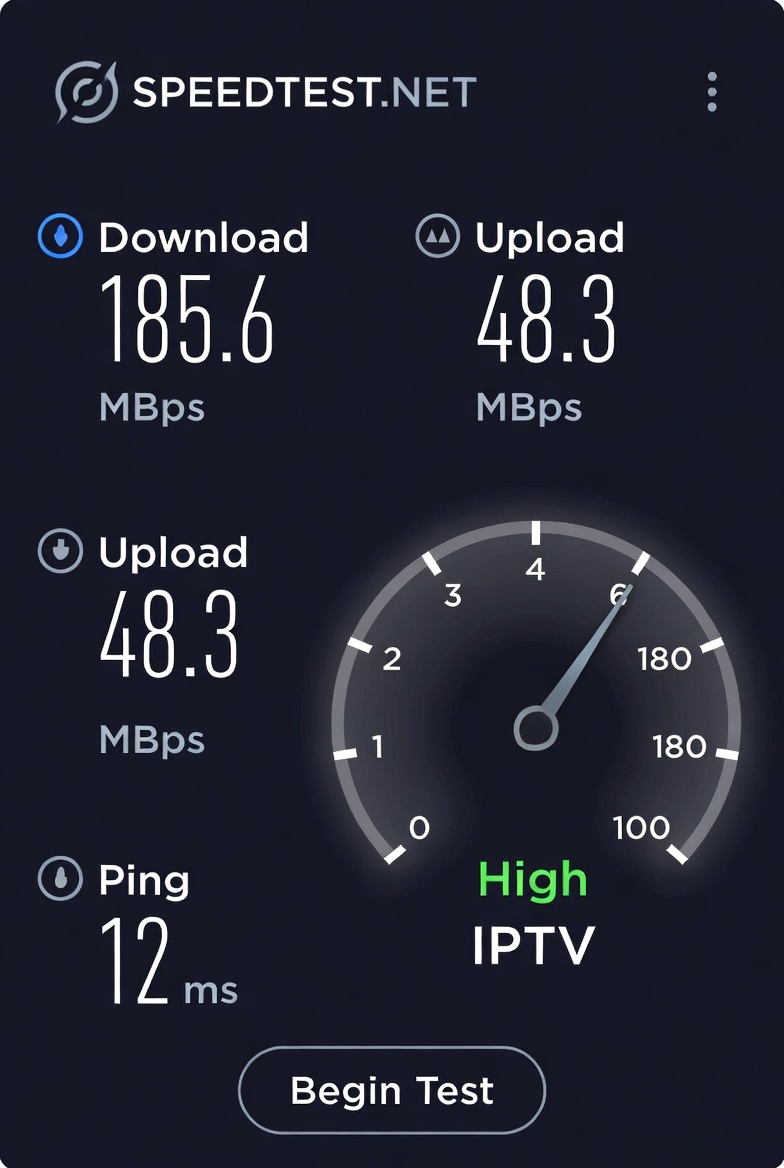
Before troubleshooting IPTV issues, users should first test their internet stability using tools like Speedtest by Ookla to ensure their connection is fast enough for HD or 4K streaming.
This extra understanding helps users make better setup decisions and avoid many common IPTV problems.
Users looking for a reliable streaming experience can explore our guide to the best iptv provider for live sports, movies, and international entertainment channels.
1. Choosing IPTV Providers Based Only on Cheap Pricing
One of the biggest mistakes new users make is selecting the cheapest IPTV service available without considering quality, reliability, or support.
Low-cost IPTV services often suffer from:
- frequent buffering
- unstable servers
- poor customer support
- limited channel availability
Before subscribing, users should review IPTV features, supported devices, and service stability. You can also compare available packages on our pricing page.
2. Ignoring Device Compatibility
Not all IPTV apps and services perform the same on every device. Some users attempt to stream IPTV on unsupported or underpowered devices, leading to lag and playback issues.
For smoother streaming, IPTV works best on:
- Firestick
- Android TV
- Smart TVs
- dedicated streaming boxes
If you are unsure how to install IPTV correctly, check our IPTV setup guide.
3. Using Weak Internet Connections
A poor internet connection is one of the leading causes of IPTV buffering and freezing during live sports events or HD streaming.
For stable IPTV performance:
- use high-speed internet
- prefer Ethernet when possible
- reduce network congestion
- avoid overloaded Wi-Fi connections
Many users blame IPTV providers when the real issue is insufficient bandwidth
4. Skipping Setup Instructions
Another common mistake is rushing through installation without following proper setup instructions.
Incorrect app configuration can lead to:
- login problems
- channel loading failures
- EPG issues
- playback interruptions
Beginners should carefully follow setup tutorials before troubleshooting advanced problems.
5. Not Checking the IPTV Channel List
Some users subscribe without reviewing the available channels first. This often leads to disappointment when expected sports or entertainment content is missing.
Before subscribing, always review the available IPTV channel list, including:
- sports channels
- movie channels
- international TV
- kids content
- news channels
6. Ignoring Frequently Asked Questions
Many IPTV beginners experience issues that already have simple solutions, but they skip FAQs and troubleshooting guides.
Reading IPTV FAQs can help solve:
- buffering problems
- login issues
- setup questions
- device compatibility concerns
7. Expecting IPTV to Work Perfectly Without Optimization
Even high-quality IPTV services require proper setup and maintenance. Users who ignore app updates, internet quality, or streaming optimization may experience unnecessary issues.
Streaming device quality also plays a major role in IPTV performance. Older devices may struggle with HD streams, app loading speeds, or live sports playback.
Popular streaming devices like Amazon Firestick, Android TV boxes, and Smart TVs generally offer better IPTV compatibility and smoother navigation. Users setting up IPTV on Firestick devices can also review official guidance through Amazon Fire TV Support for additional device troubleshooting information.
Choosing the right device can significantly improve streaming stability and user experience.
To improve IPTV performance:
- keep apps updated
- restart devices regularly
- clear app cache
- maintain stable internet speeds
Small optimizations can significantly improve streaming quality.
Final Thoughts
Avoiding common IPTV mistakes can greatly improve your streaming experience. Choosing reliable services, following proper setup instructions, and understanding device compatibility all contribute to smoother live TV streaming.
As IPTV continues growing in popularity, users who take time to optimize their setup will enjoy better reliability, improved performance, and a more enjoyable entertainment experience.